
01
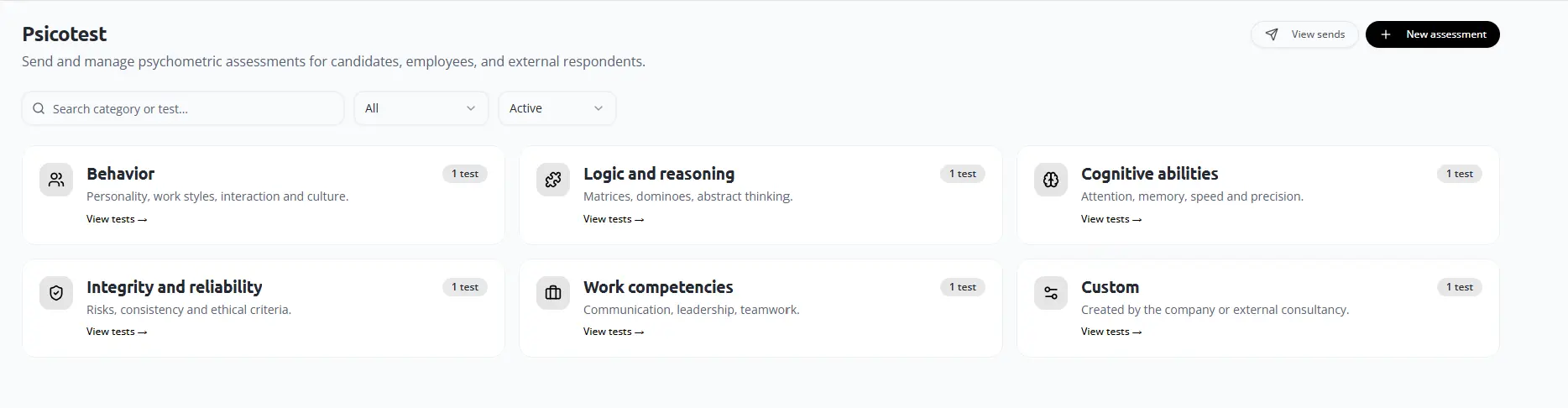
Create an assessment
Choose New assessment from the module.
02
Select and send
Choose the test, participant type, name and email, then send.
03
Participant completion
The participant reviews instructions and completes the assessment.
04
Review the report
Interpret scores with interviews and other relevant evidence.
Final check
Confirm the responsible user, source information, status and resulting record before closing the workflow.