
01
Review the profile
Confirm employment, contact, company and role information.
02
Manage records
Keep contracts, files and lifecycle updates in the employee record.
03
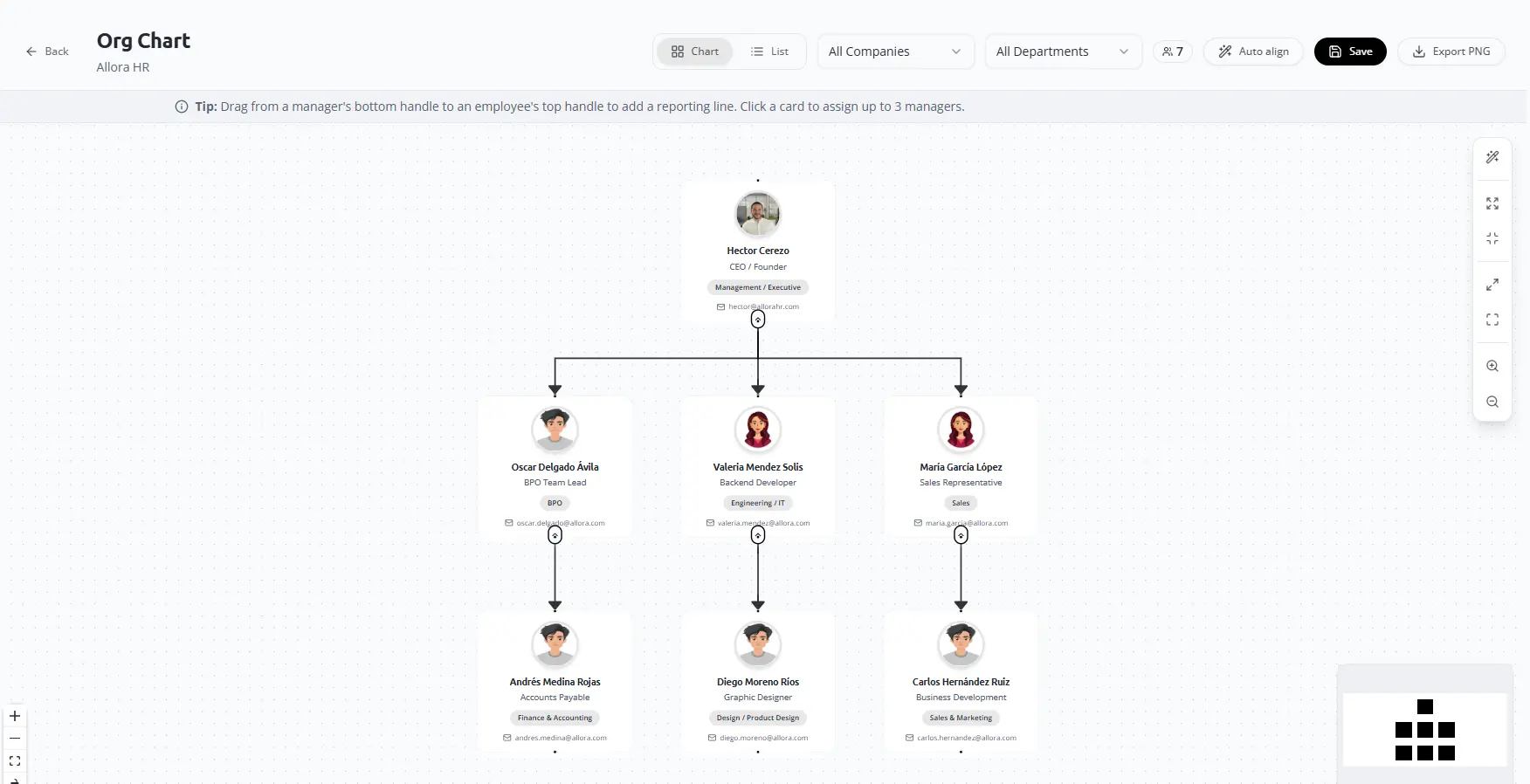
Set the reporting line
Select the manager and confirm the organizational relationship.
04
Validate the chart
Correct missing or outdated relationships.
Final check
Confirm the responsible user, source information, status and resulting record before closing the workflow.