
01
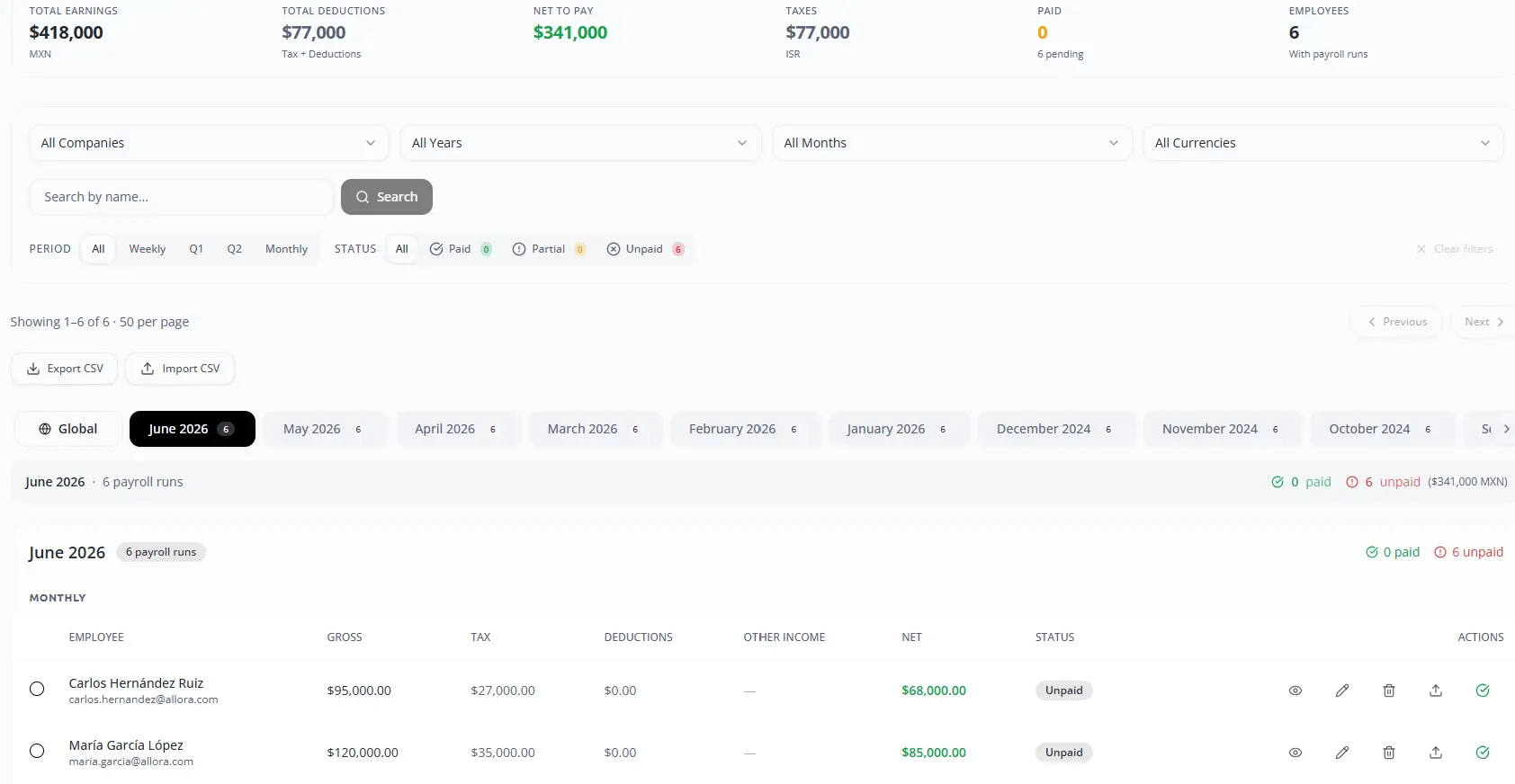
Start a payroll run
Open Payroll, review prior periods and select Create payroll.
02
Select employees
Choose the company and employees included in the run.
03
Choose the calculation source
Use configured fixed salaries or approved locked timesheets, as applicable.
04
Review and complete
Validate period, gross pay, other income and estimated net pay before creating, paying or exporting.
Final check
Confirm the responsible user, source information, status and resulting record before closing the workflow.