
01
Sign in
Open AlloraHR, select Sign in and enter your authorized credentials.
02
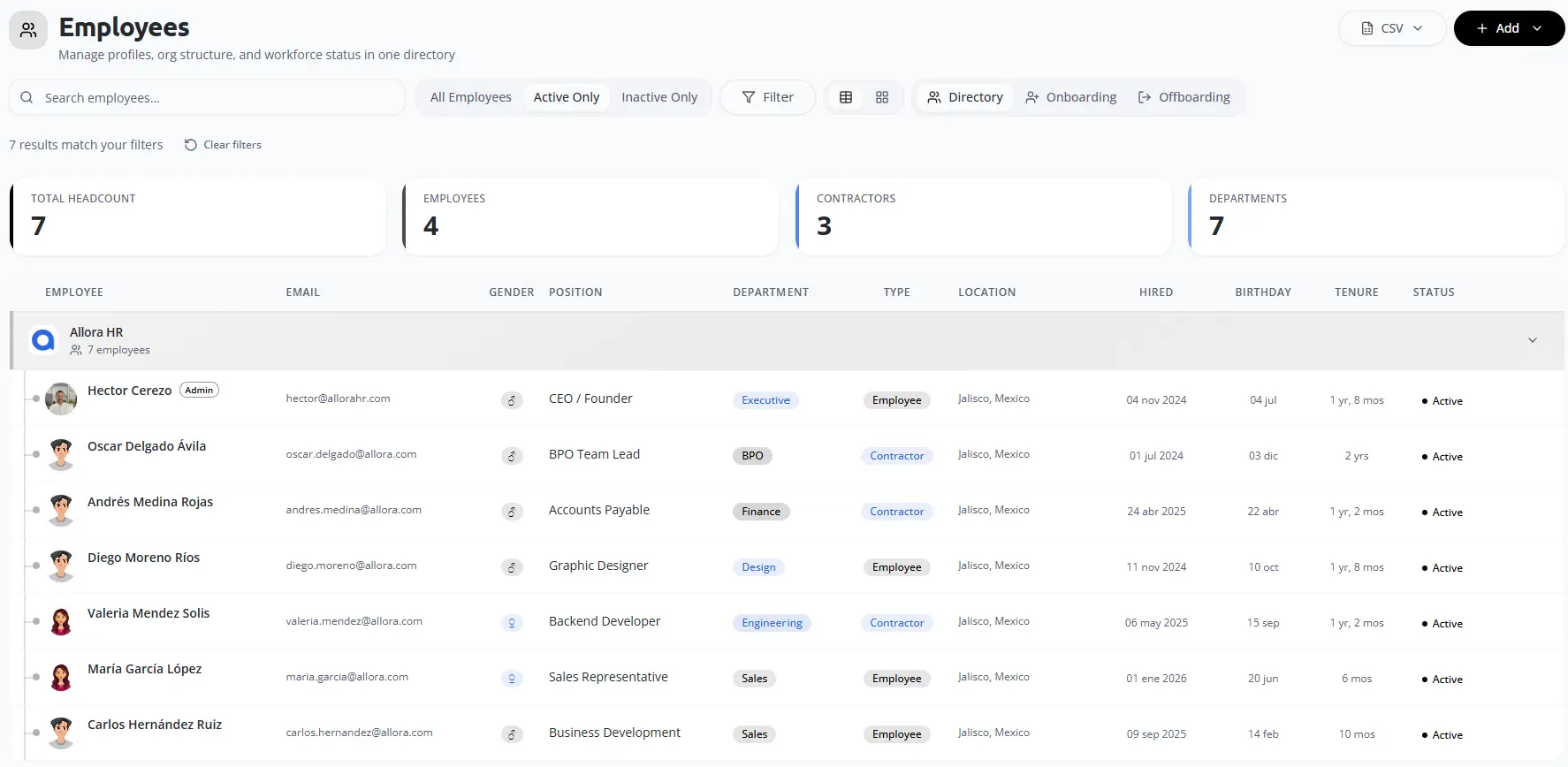
Review People
Search active and inactive workers and review the fields available to your account.
03
Open Finance and Operations
Review summaries, invoices, payroll, timesheets, assets or projects included in your service.
04
Use Documents
Preview or download available files according to your permissions.
Final check
Confirm the responsible user, source information, status and resulting record before closing the workflow.